Stop Manually
Typing Invoices.
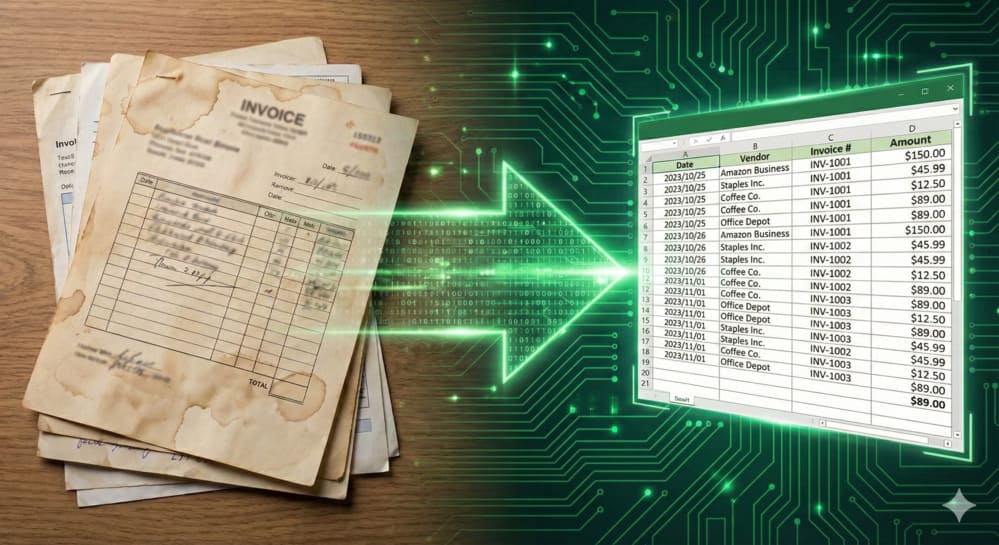
Snap a photo, upload it, and get a perfectly formatted Excel spreadsheet in seconds. No software to install. No credit card required.
Why Professionals Choose InvoiceToOCR
Designed for accountants and bookkeepers who demand accuracy.
Perfect Table Extraction
Don't waste time fixing broken tables. Our AI understands rows, columns, and headers, preserving the original layout in Excel.
Handwriting Recognition
Received a handwritten receipt? No problem. We accurately digitize handwritten totals, dates, and vendor names.
Ready-to-Use Excel Files
Get clean, formatted .xlsx files. Formulas, numbers, and dates are correctly detected, so you can start calculating immediately.
Messy Image? It Works.
crumpled receipts, tilted photos, or low-light screenshots? Our pre-processing engine cleans them up automatically.
From Image to Excel in 3 Steps
Upload Images
Drag & drop screenshots, photos, or scanned images of your invoices/receipts.
AI Processing
Our engine automatically detects text, tables, and line items in seconds.
Download Excel
Get a structured .xlsx file. Zero manual data entry required.
What Can You Convert?
Our AI model is trained on millions of financial documents to handle any format.
Invoices
Extract vendor, date, total amount, and line item tables.
- Vendor Name
- Invoice #
- Tax Amount
- Line Items
Receipts
Perfect for expense reports. Works with long, crumpled thermal paper.
- Date & Time
- Merchant
- Total
- Currency
Bank Statements
Turn Image bank statements into Excel for reconciliation.
- Transaction Date
- Description
- Withdrawal/Deposit
- Balance
Purchase Orders
Digitize incoming POs to match with your inventory system.
- PO Number
- SKU Details
- Quantity
- Unit Price
Trusted by Accountants, Freelancers & Business Owners
"I used to spend hours manually typing data from paper invoices into Excel. Now I just snap a photo and it's done in seconds. The table formatting is impressive."

"Ideally suited for my small business expenses. I take screenshots of my digital receipts, upload them here, and get a clean spreadsheet for tax season."

"The only tool that accurately read a coffee stained, handwritten receipt. Saved me so much headache during my expense reporting."

Enterprise-Grade Security & Compliance
Stop Wasting Time on
Manual Data Entry.
Instantly convert images and scanned invoices into editable Excel.
High accuracy, no software to install.
No credit card required • Credits never expire